
What is the difference between (not-yet-acquired) vs. (already-acquired), and why are these presented this way?
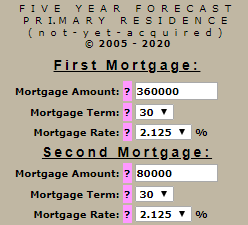
(not-yet-acquired) is a property that you anticipate purchasing or that you are considering buying.
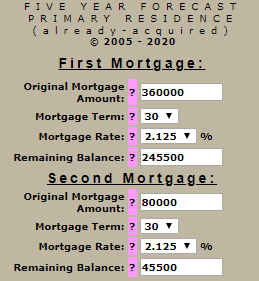
(already-acquired) is a property that you have been utilizing for a period of time, and hence you already own it.
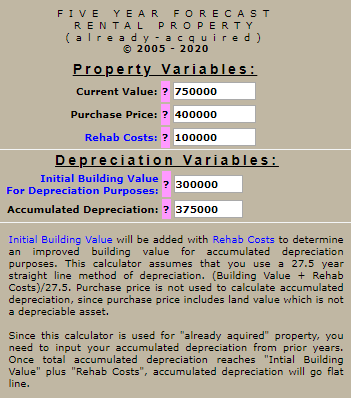
There are several reasons why I separate these circumstances into two separate calculators for forecast-type calculators. One of the obvious reasons should become apparent by comparing the two "Input Your Variables" pages (see below examples). The input information requested for mortgage information for (already-acquired) requires one additional input variable, "Remaining Balance."
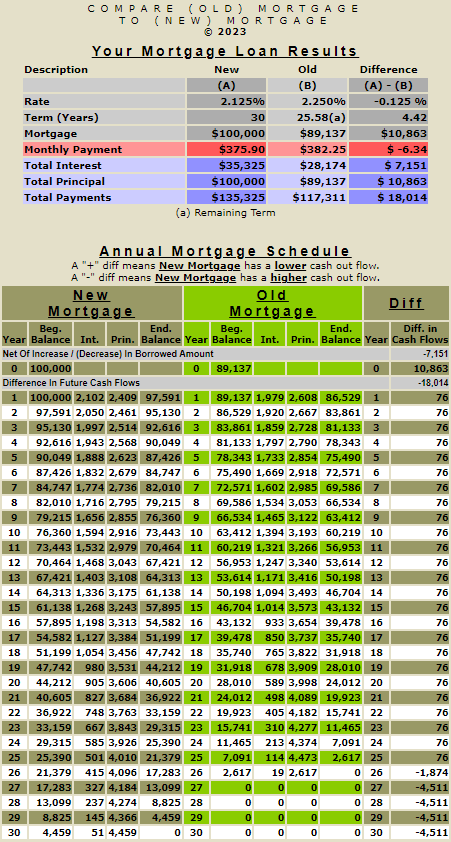
In the case of (already-acquired), your mortgage has already been amortizing since you purchased the property, and the balance currently due on your mortgage today does NOT equal its original balance. Therefore, I required the initial balance and original mortgage terms to calculate the monthly payment so that I can apply your monthly payment amount in amortizing any remaining balance and thus create an accurate forecast from "Today"!
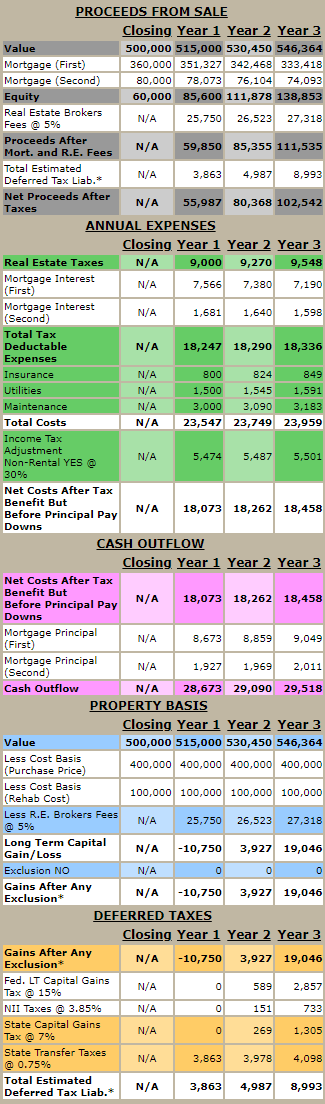
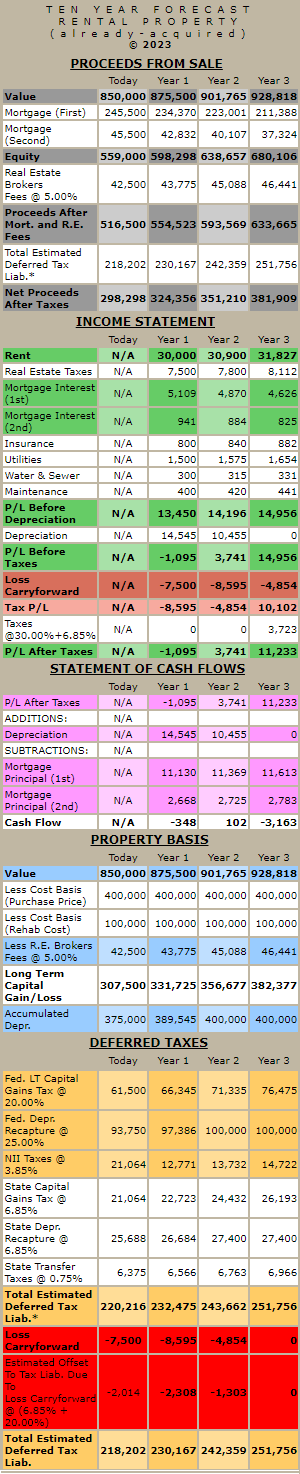
For rental property, I need to separate "not-yet-acquired" from "already acquired" for the above reasons concerning loan amortization and make certain adjustments for accumulated depreciation.
Rental property that is "not-yet-acquired" can begin the depreciation process "Today" without concern for any prior years' depreciation, simply because "property that has not yet been acquired" would have no prior year's depreciation.
Rental property "already acquired" has already started the depreciation process in prior years. Hence, you need to input any prior year's accumulated depreciation so that it can be added to future estimated depreciation and thus create an accurate forecast from "Today"!